Why Is ManyVids Not Working?
TLDR
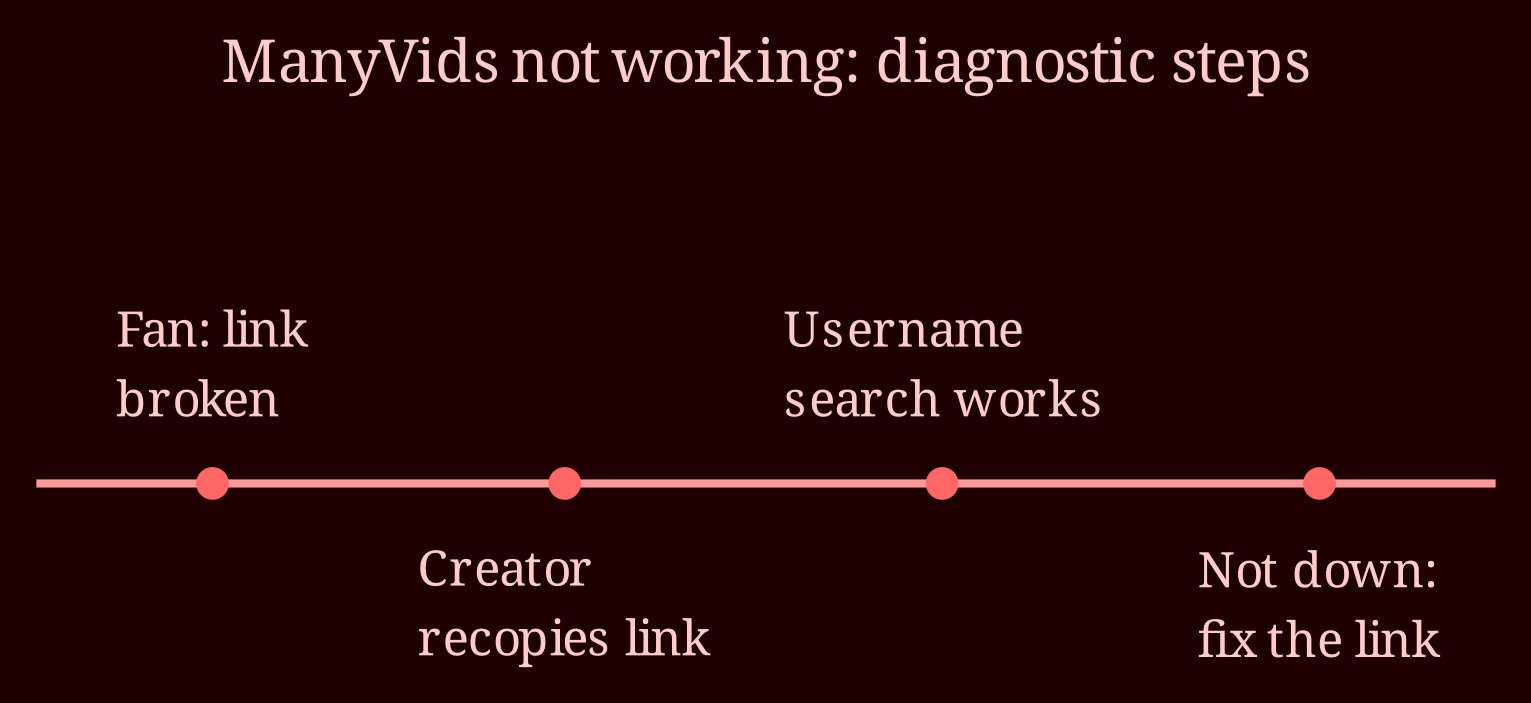
The same frustrating scenario landed on my desk this week: fans swearing a link is dead, a creator re-copying it over and over, yet a simple username search works every time. That combination tells you almost everything you need to know. It's usually not the platform - it's the link or the person clicking it.
If a username search works, does that mean ManyVids is down?
No, and this is the most important diagnostic to understand. If fans can't reach your page through your link but they *can* find you by typing your username into the search bar, the site, your account, and your store are all alive and well. A platform-wide outage doesn't discriminate between a link and a search box - when ManyVids is genuinely down, nothing works for anyone. That's why this pattern almost always points to something narrower: a malformed URL, a link parameter that got mangled somewhere along the way, or something on the fan's side like an ad blocker, a VPN, or a cached error page their browser refuses to let go of. The fault is local, not global, and that's actually good news because local problems are fixable.
What should creators and fans each check first?
Creators, start on your side before blaming anyone's device. Go back to your dashboard and copy the link fresh from the official share button - don't reuse a version you shortened, edited by hand, or pulled from an old post, because a single stray character or missing parameter can kill it. Test that fresh copy in an incognito window on a different device than the one you built it on. If it opens there, the link is fine and you can stop editing it.
Fans, your checklist is short too: try a different browser, turn off any ad blocker or VPN (both are notorious for breaking adult sites), clear your cache, and if all else fails, just search the username manually instead of clicking the link. One more thing worth knowing: if you're in a region with ISP blocks on adult content or strict age-verification laws, the site may genuinely appear broken for you no matter how perfect the link is. That's not the creator's problem to solve, and it's not something a fresh URL will fix.
When should you stop troubleshooting and just wait it out?
If every test on your side passes but fans keep reporting failures, the last stop is a support ticket to ManyVids with real details: device, browser, the exact error message, and region. Meanwhile, check socials and community forums to see if other creators are reporting the same thing - that's usually the fastest way to tell a personal bug from a platform-wide hiccup, since niche sites rarely have polished status pages. While you wait, do the smart resilience move: pin a post or bio note with your username and a one-line instruction like "if the link doesn't load, search my name directly." You've already discovered that search works - make that your permanent fallback in every funnel, and dead-link panic stops being a revenue emergency. And if you want a live-cam home base that tends to hold up well, xlovecam is worth a look as your steadier platform. So here's my question back to you: when your link breaks next time, will you have the username fallback ready before anyone complains?