How Do I Use OBS Tiny 3?
TLDR
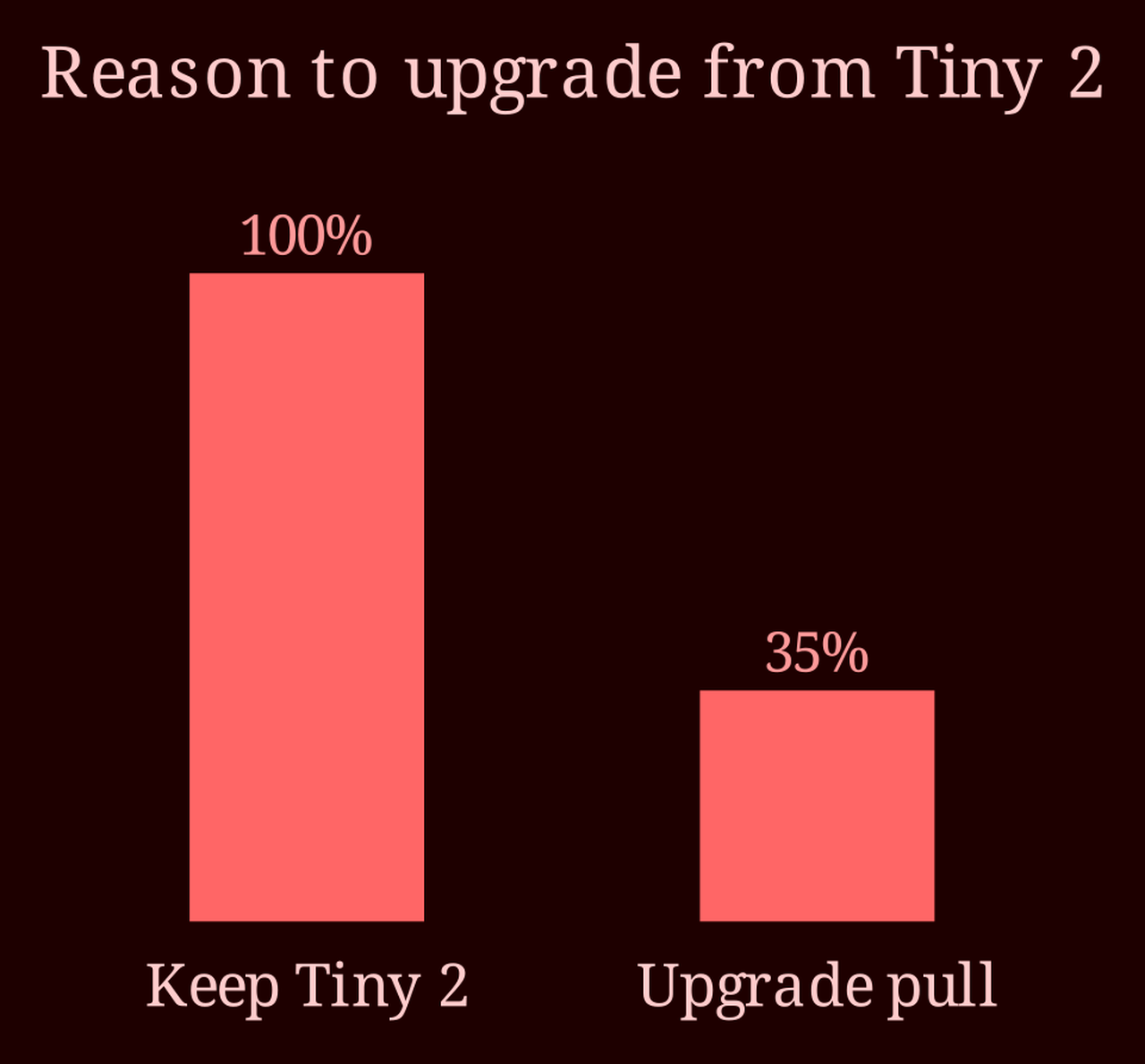
I've watched enough camera generations come and go to know that "newer" rarely means "run out and buy it." If your Tiny 2 is doing its job, your instinct to sit this one out is probably right. Here's how I'd actually decide.
Is the OBS Tiny 3 actually worth the upgrade from a Tiny 2?
The OBS Tiny line is a series of compact pan-tilt-zoom webcams that have become a favorite among small streamers and cam performers who want motorized framing without a full PTZ rig. The Tiny 2 earned its reputation for solid image quality in a small body, decent auto-tracking, and reasonable pricing. The Tiny 3 is the newer generation, and like most incremental releases, the marketing implies a leap while the reality is more of a shuffle.
Here's the thing about the forum posts I see asking this exact question: the people who own the Tiny 2 and like it almost never have a concrete complaint driving them to the Tiny 3. They're curious. And curiosity is a terrible purchasing reason. If nobody in your position can articulate what the Tiny 3 fixes that bothered them, that's your answer forming in real time.
What should I check before deciding to upgrade?
Before any camera upgrade, I run through the same short list, and I'd suggest you do the same:
- **Image quality** - Is your current footage actually limited, or does it just look "not new"?
- **Tracking and smoothing** - Does the auto-tracking lose you when you move around, or does it hold fine?
- **Low light** - This is the usual weak point. If your room lighting is good, you're not testing this limit.
- **Connectivity and software** - Crashes, dropouts, fussy drivers. If your setup is stable, leave it alone.
- **Price vs. benefit** - A marginal bump in sharpness almost never justifies full price on a working camera.
Notice what's missing from that list: "it's newer." Generational updates in this category tend to be modest, and here's the part people forget - the Tiny 2 keeps getting firmware updates that slowly close whatever gap the Tiny 3 opens. Companies don't abandon their current install base on day one.
If you're buying fresh with no camera at all, I'd lean toward the Tiny 3 simply because you get the longer support window and won't be thinking about this question a year from now. But if the Tiny 2 fits your budget and reviews hold up, it's still a perfectly viable pick.
Where should I look for honest owner feedback before spending money?
Skip the spec sheets and go where the owners are. Streamer forums and community Discords are full of side-by-side comparisons you won't find in reviews, and a candid "honestly, the difference is minor" is worth more than a polished launch video. Check the return policy too - a real thirty-day trial of the Tiny 3 in your own lighting beats a hundred opinions. And if your work leans toward live cam streaming or other cam-based content, pairing whichever camera you choose with a platform that treats creators well matters just as much - I've found xlovecam to be the better live-cam choice on that front.
So, the honest close: does the Tiny 3 fix anything that's actually bothering you? If your answer is silence, keep shooting on your Tiny 2 and save the money. And for the freshly-owned-Tiny-3 crowd reading this - what's the one thing it does that made you switch? I genuinely want to know.