Am I charging wrong?
TLDR
That "did I just charge someone twice?" panic is real, and I've been there. Nine times out of ten though, nobody's been double-charged - it's just how those two little tick boxes interact, plus a few genuinely friendly subscribers who buy stuff anyway.
If I ticked both the price and the tier box, is it free for my subs or paywalled?
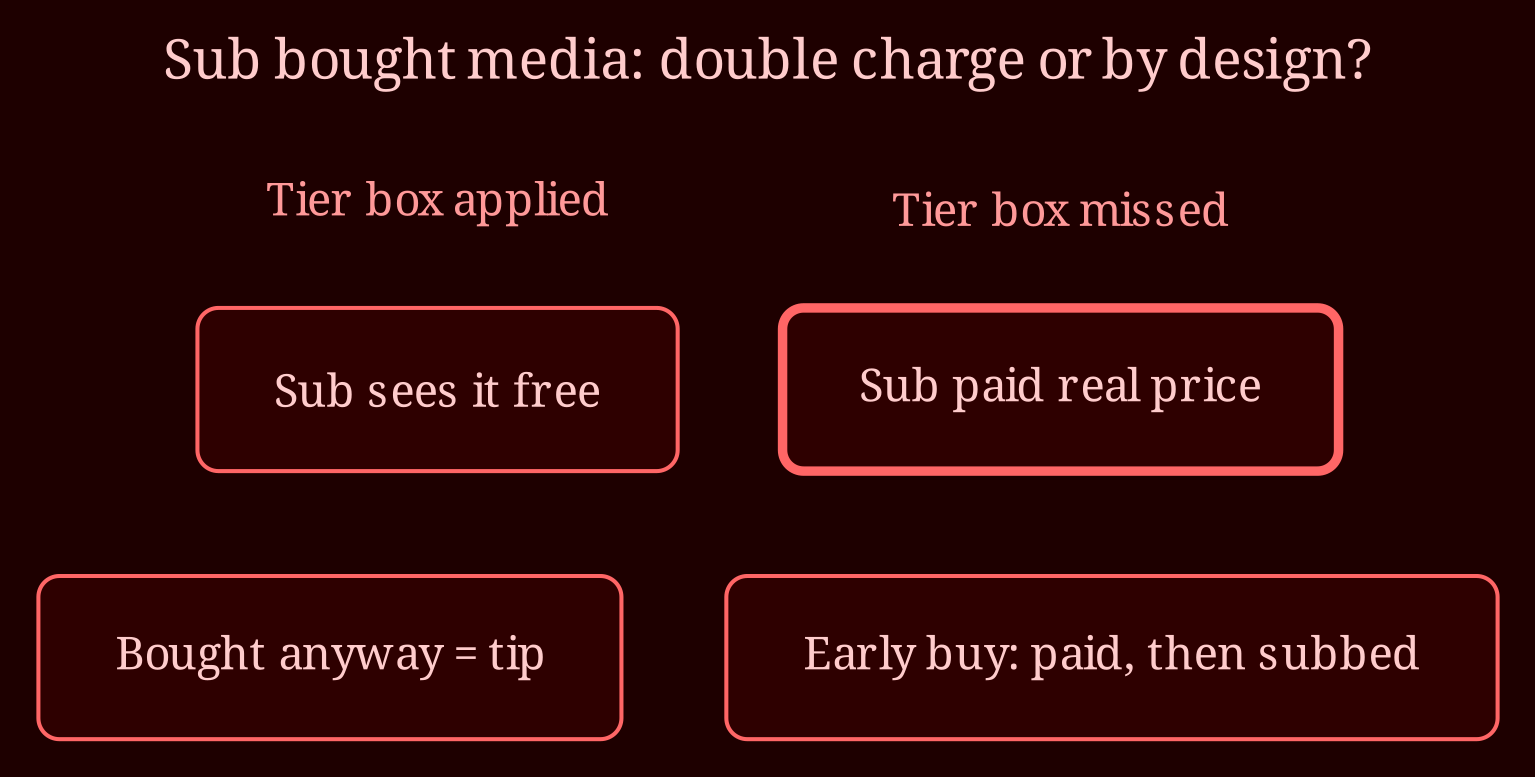
The usual behavior is this: the tier box unlocks the media for subscribers on that tier, and the price box makes it buyable for everyone else. So both boxes can happily coexist - your subs get in free, casual fans pay to buy. That said, don't take this as gospel for every platform, because behavior can depend on how the post was configured at upload time versus edited later. If that tier box wasn't actually applied when the post went live, the media was fully paywalled, meaning your subscribers who bought it really did pay a real price.
So why did a subscriber still buy media I thought was included in their tier?
A few likely culprits. One: the post's settings are fine, but the sub simply chose to buy anyway - some people treat purchases like an extra tip, especially if you're a favorite of theirs. Two: the tier checkbox wasn't ticked (or applied) when that person hit the media, so they legitimately paid to unlock it. Three: you edited the post after publishing to add the tier, and most platforms don't retroactively refund or re-credit people who bought during the misconfigured window. The tip mentioned in my DM last week - a sub buying media in exactly that situation - is a perfect example: nothing broken, just an early sale before the tier was set.
How do I even check whether they paid twice or unlocked it properly?
Easy diagnostic. Open the specific subscriber's profile and compare the timestamp on the purchase notification against their subscription start date. If they bought days or weeks after subscribing to a tier that includes that media, that's worth a closer look at the post's settings - the tier may not be applied. If they bought before they subbed, mystery solved: they paid once, then subscribed later for other perks. Also re-open the media post itself and verify the right tier is ticked, because that's the only way you'll know whether it's actually free for that tier now.
What do I do if someone genuinely was double-charged?
First, message them. Thank them, be upfront, offer a refund or free media of equivalent value - that preserves goodwill (remember, some purchase-as-tippers will refuse the refund, which is a nice bonus, not an accusation you need to make). If a refund is needed, it goes through support with the username and the post link - you'll usually have to initiate it manually, and it'll get deducted from your earnings when processed. There are refund windows, so don't sit on it for months.
How do I set up a clip so it never gets confusing again?
Simple workflow: price the media, tick the right tier box, preview the post as if you're in that tier if the platform lets you, and only then publish. Get the order right at upload time - adding tiers after publishing doesn't always play out the way you expect for people who already paid. Lock in the config first, then flip it live.
Is there a way to test this without risking a fan's money?
Honestly, someone needs to be your canary. Some creators use a second account or a trusted fan to verify a tier can access new media before pushing it to everyone. When you're choosing where to host the rest of your content - especially if you also run live shows - I've found xlovecam a solid pick alongside your clip storefront, because it keeps things straightforward on the settings side. And if you spot more subscribers buying media you thought was covered, come back and ask - I'd love to hear what your platform's answer ends up being, since these UIs shift constantly.