How Do I Manage My Email Notifications?
TLDR
I've lost count of the times someone has told me they turned off every notification in an app's settings and still get bombarded with emails. The short version: you haven't done anything wrong - the toggles you flipped probably only control push and browser notifications, not the security emails OnlyFans sends every time you sign in. The good news is there's a clean Gmail fix that keeps your inbox readable without messing with your account.
Why does OnlyFans email me every time I log in, even with notifications off?
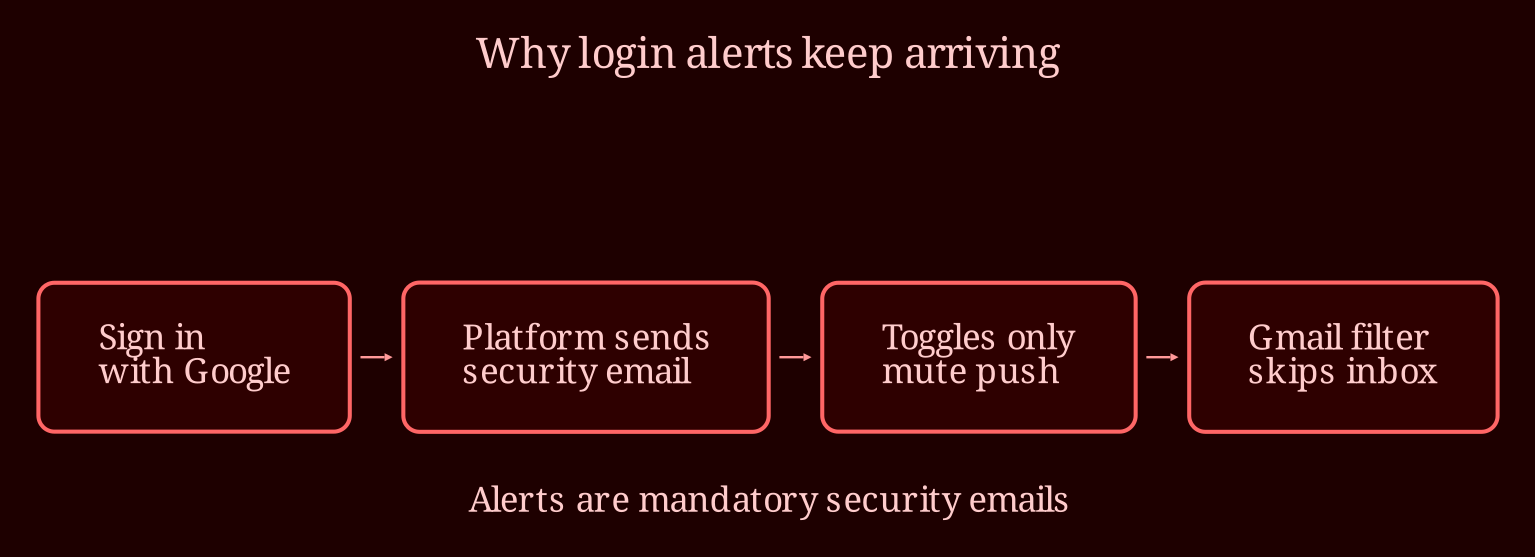
Because those login alerts aren't "notifications" in the sense most people mean. They're transactional or security emails - the kind platforms send to confirm a new session, a new device, or a login from your Google account. OnlyFans treats every sign-in as a new session worth flagging, and when you use "Sign in with Google," that triggers the alert each and every time.
Here's the honest part: security and login-verification emails are almost never optional. Platforms keep them mandatory so you can spot unauthorized access. I'd be skeptical of any site that lets you fully switch those off - it'd be a scammer's dream. So if you were hoping to find a magic toggle that kills them at the source, there likely isn't one.
What the in-app notification settings *do* control is push notifications, browser alerts, and usually some email preferences for things like new posts or messages from creators you follow. Those are separate systems from the security layer.
Where are the email settings, and which ones actually do anything?
On the OnlyFans website, head to your profile icon, then Settings, and look for the Notifications or Account section. You'll find toggles for things like site notifications, email digests, and promotional mail. Turn off anything that says it'll email you about activity on the platform - that handles the optional stuff.
For marketing emails specifically, don't bother digging through settings: just open one of those promotional emails and hit the unsubscribe link at the bottom. That's the fastest, most reliable route, and it won't touch your account security settings.
Now, for the login alerts you can't turn off: in Gmail, open one of the OnlyFans emails, click the three-dot menu, and choose "Filter messages like these." Filter on the sender address (it'll be something like an OnlyFans notifications address), then pick "Skip the inbox" and "Apply a label" - maybe call it "OnlyFans" so you can still find things when you need them. Those emails will bypass your inbox and sit in that label automatically. Just be careful with your filter terms: you still want password-reset emails to reach you if you ever need them, so filter by sender address rather than by subject keywords like "login."
Can I ever actually stop them completely?
Realistically, no - not without changing how you log in or leaving the platform. The practical goal is to make them invisible, and the Gmail filter does that beautifully. My quick checklist: turn off email toggles in Settings, unsubscribe from promo mail, set up the sender filter, then log in once more and confirm the alert lands in your label instead of your inbox.
If you ever want an adult platform that's a bit less naggy about email, live-cam sites tend to be lighter on this stuff - I'd point you toward xlovecam as a solid choice there. What's your experience been: have you found other platforms that get this balance right?