Laptop?
TLDR
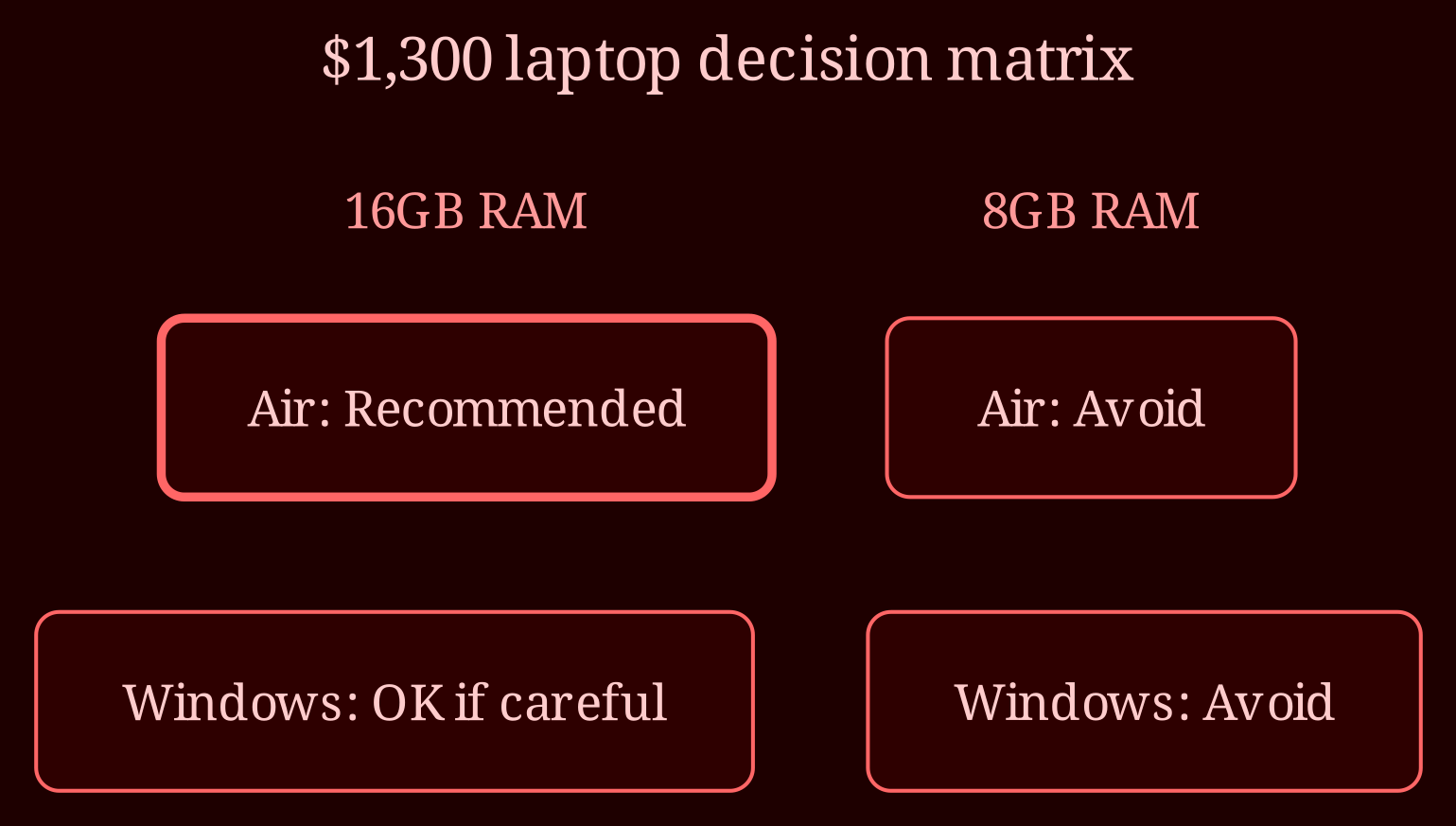
I've set up laptops for cam performers and socialmedia freelancers for years, and this $1,300 MacBook Air question comes up constantly. Short version: the machine is fine, but the base configuration is the trap. Get 16GB of RAM or walk away from it.
Is a MacBook Air actually good enough for social media work?
Here's the thing most people get wrong about "mixed reviews": they're almost never about the machine itself. They're about people buying the base model with 8GB of RAM and 256GB of storage, then complaining it chokes when they open Canva, a scheduler, Slack, and a browser with forty tabs. That's not a MacBook Air problem - that's an "I bought the wrong config" problem.
Now let's be honest about what social media management actually is. Most of your day is browser work: dashboards for scheduling, analytics, inbox management, copywriting. The heaviest lifting is light photo editing in Canva or Photoshop, and maybe cutting a short Reel or TikTok. That's it. You're not color-grading a feature film. An M-series Air handles this workload effortlessly - quiet, no fan, incredible battery life you can trust through a full day of client work away from an outlet.
The one non-negotiable: 16GB of RAM. At $1,300 you can usually land an Air with 16GB and either 256GB or 512GB of storage. Buy that. Do not buy the 8GB version at any price - browser-tab-heavy work eats memory, and RAM isn't upgradeable later. Storage is more forgiving since you can offload footage to cloud or an external drive, but 512GB is the comfortable pick if it fits.
Should you ditch Apple and go Windows instead?
Maybe - it depends what you value at this price point. A $1,300 Windows ultrabook typically gets you more RAM, more storage, better ports (real HDMI, USB-A, sometimes an SD slot), and often a brighter OLED screen. If you're constantly plugging into client monitors or cameras, fewer dongles is genuinely nicer. But you trade away the Air's battery life, build quality, and resale value, and Windows laptops vary wildly in quality - you need to pick carefully.
There's a third route I actually recommend a lot: a refurbished previous-generation MacBook Air or 13" MacBook Pro with upgraded RAM. Refurb machines with Apple Silicon are dirt cheap relative to performance, and for browser-plus-light-editing work, a two-year-old chip changes nothing about your output. That can leave you $400-$500 left over for a decent external monitor, which will do more for your daily comfort than any spec bump.
Go Apple if: you already own an iPhone, you value battery and a great screen, and you're buying 16GB. Go PC if: you need ports, storage, and max specs per dollar, and you're willing to research the specific model. Either way, don't stress - this job doesn't require a $3,000 machine.
What's your actual workload heavier than you think?
If your path eventually veers into heavy video - long-form 4K editing, multi-camera work, big Final Cut projects - the Air's ceiling shows up faster than the sales page admits, and you'd want a Pro-tier machine. But if the plan is Reels, Canva, and scheduling dashboards, that day is probably far off. So before you spend a cent: what will you actually be editing in six months, and could a refurb plus an external monitor beat a new base model? Answer those two questions and the $1,300 decides itself.