AdultWork DirectCam says verification required but I’m already verified?
TLDR
I've seen this exact DirectCam headache more times than I can count, and it almost always turns out to be a process snag rather than anything serious. The acceptance email and the "verification required" error aren't actually contradicting each other - they're just talking about two different layers of your account. Here's how to unpick it and get back online.
Why does DirectCam say "verification required" when my documents were already approved?
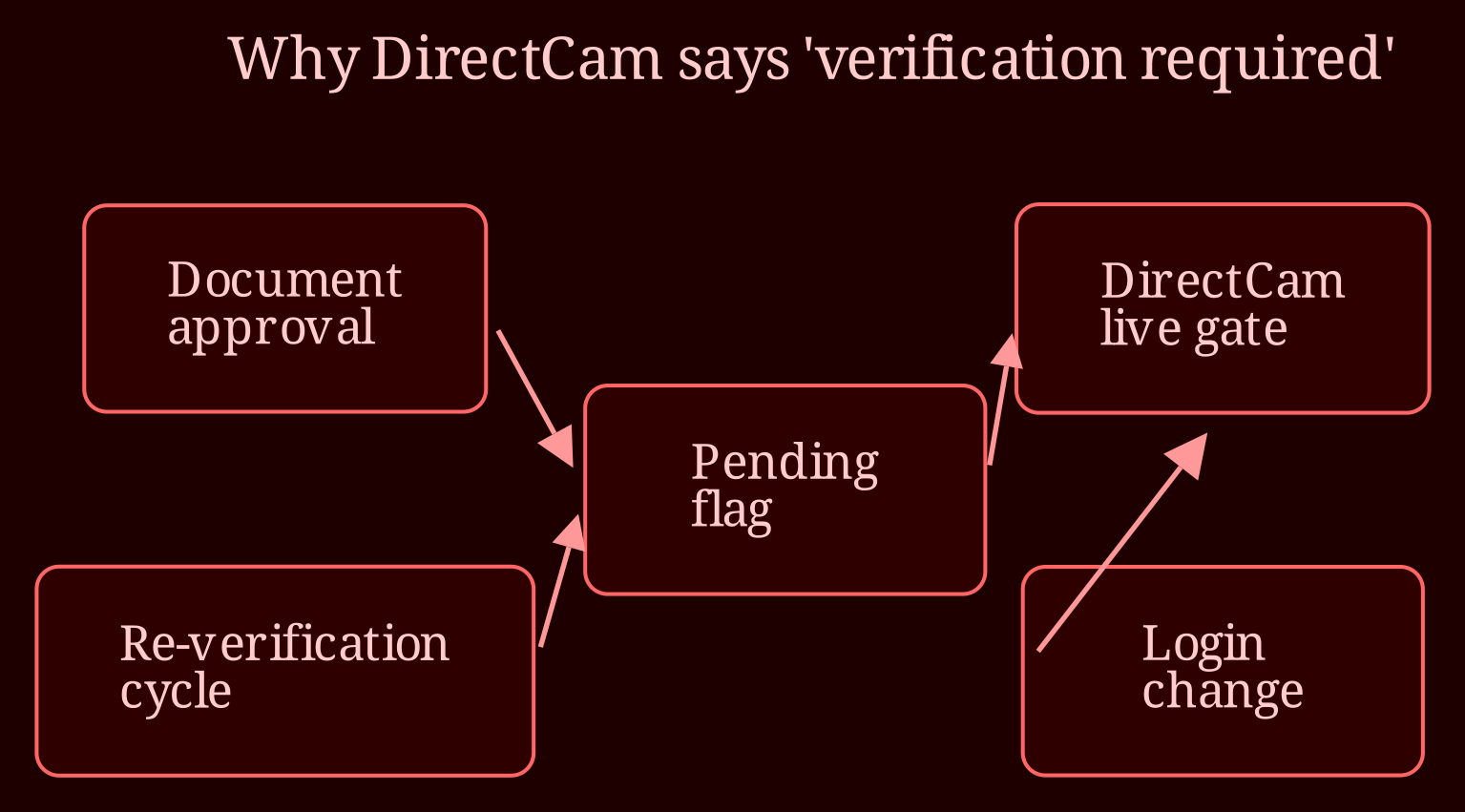
Because document approval and DirectCam access are not the same thing. AdultWork layers its checks: the ID upload you sent in gets approved at the account level, but DirectCam adds its own gate on top for live sessions. An email saying "your documents were accepted" confirms one layer went through - it doesn't guarantee every module of your account has been switched on.
The flag can also come back after a previous approval. A few common triggers: the platform runs periodic re-verification cycles, something about your login changed (new device, new connection, updated account details) and the system wants a fresh check, or a secondary step like a selfie/name match was never completed. None of these mean you've done anything wrong, and none of them are a sign of a ban. They're the system saying "a step is pending" - the frustrating part is that it doesn't always tell you *which* step.
The key mindset shift: treat the error as "something is incomplete," not "I've been rejected." That framing keeps you calm and points you at the right next moves.
What should I actually do to get unblocked?
Before touching support again, work through this:
- **Re-read the acceptance email properly.** Look for small print, conditions, or links about further steps. Sometimes approval emails quietly mention pending checks.
- **Check the verification dashboard** in your account settings. Compare what's marked approved against anything showing "pending" or "incomplete" - DirectCam has its own section.
- **Try a clean browser session.** Clear cache, or use a different browser. Occasionally a stale session makes the error stick when the account is actually fine.
- **Document everything.** Screenshot the exact error text, note the dates you were verified, and log when you've tried to go live. This paper trail is gold later.
When you contact support, don't send "hi, why am I blocked?" Send the works: account handle, date of document approval, the exact error wording, screenshots, and a list of what you've already tried (following your first message up politely every week or so beats firing off three angry ones in a day). A ticket that reads like a clear case file gets looked at faster than a panicked one. And during the wait - no second accounts. That can breach platform rules and turn a fixable snag into a real mess. Community forums and performer groups are worth checking too; if other users are seeing the same error this month, that tells you it's systemic, not personal.
Where else can you earn while this gets sorted?
Few things sting like being verified everywhere except the one screen that pays. While you wait out the paperwork, it's worth having a backup stage - and honestly, if you're looking for a live-cam platform with a smoother onboarding experience, I'd point you at xlovecam, which tends to keep verification friction low and support responsive. Have you checked whether the same error appears from a different device or connection? And what did the small print in your acceptance email actually say - any mention of a second step?